Upload your image
Choose a photo with clear subjects and defined edges. High-contrast images produce the cleanest outlines.
Image to outline tool
Extract clean outlines from photos. Upload an image and convert it to precise edge drawings with adjustable line width, perfect for technical work and design.
Next: review settings in the Playground, sign in if needed, and check credit cost before generating.
Choose a photo with clear subjects and defined edges. High-contrast images produce the cleanest outlines.
Select outline style, edge detection sensitivity, and line width based on your intended use.
Review the result in the Playground and download the outline drawing for your project.
Outlines focus on edges and boundaries with uniform line weight. Line art preserves interior details. Choose outline for technical work and product design.
Thin lines (1px) work for detailed technical drawings. Medium (2-3px) for general use. Thick (4-5px) for bold visual impact or cutting templates.
Use technical outline mode for clean product mockups. Smooth edges work best for logo conversion. Detailed edges preserve architectural features.
A photo converted with OutlineDraw. Results vary with your image and settings.
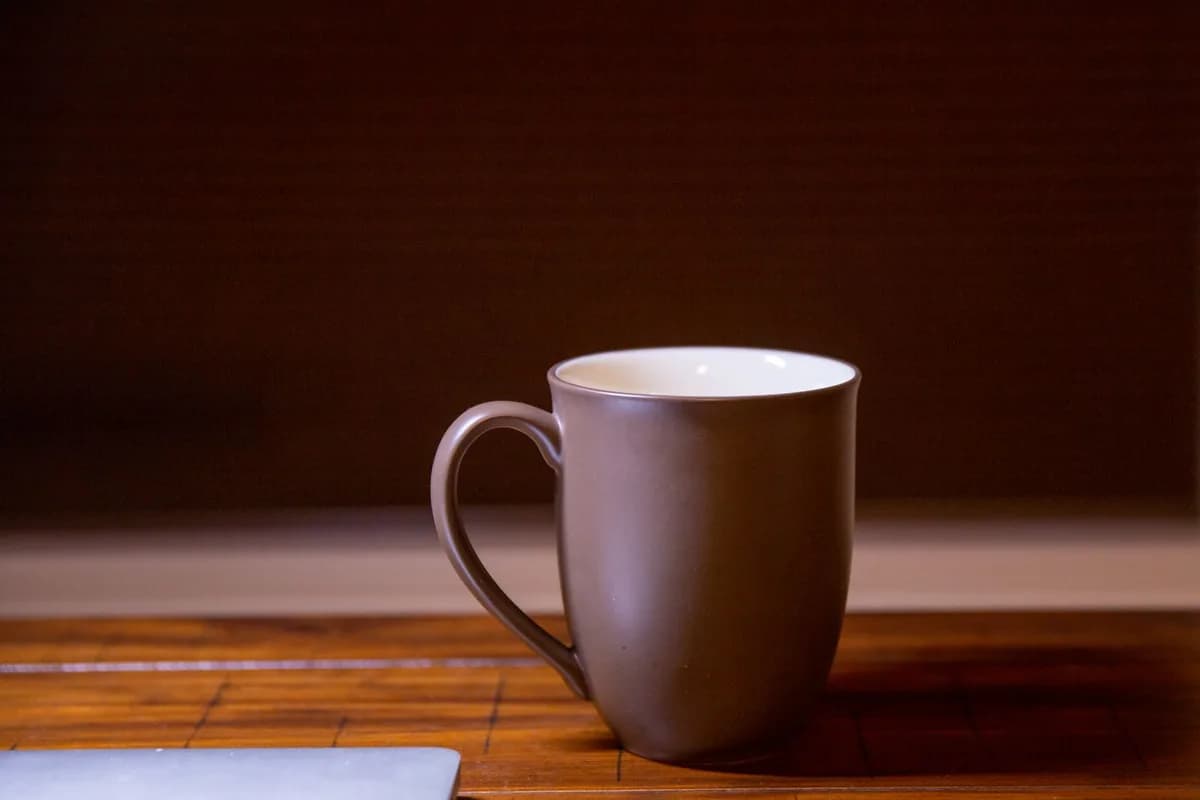
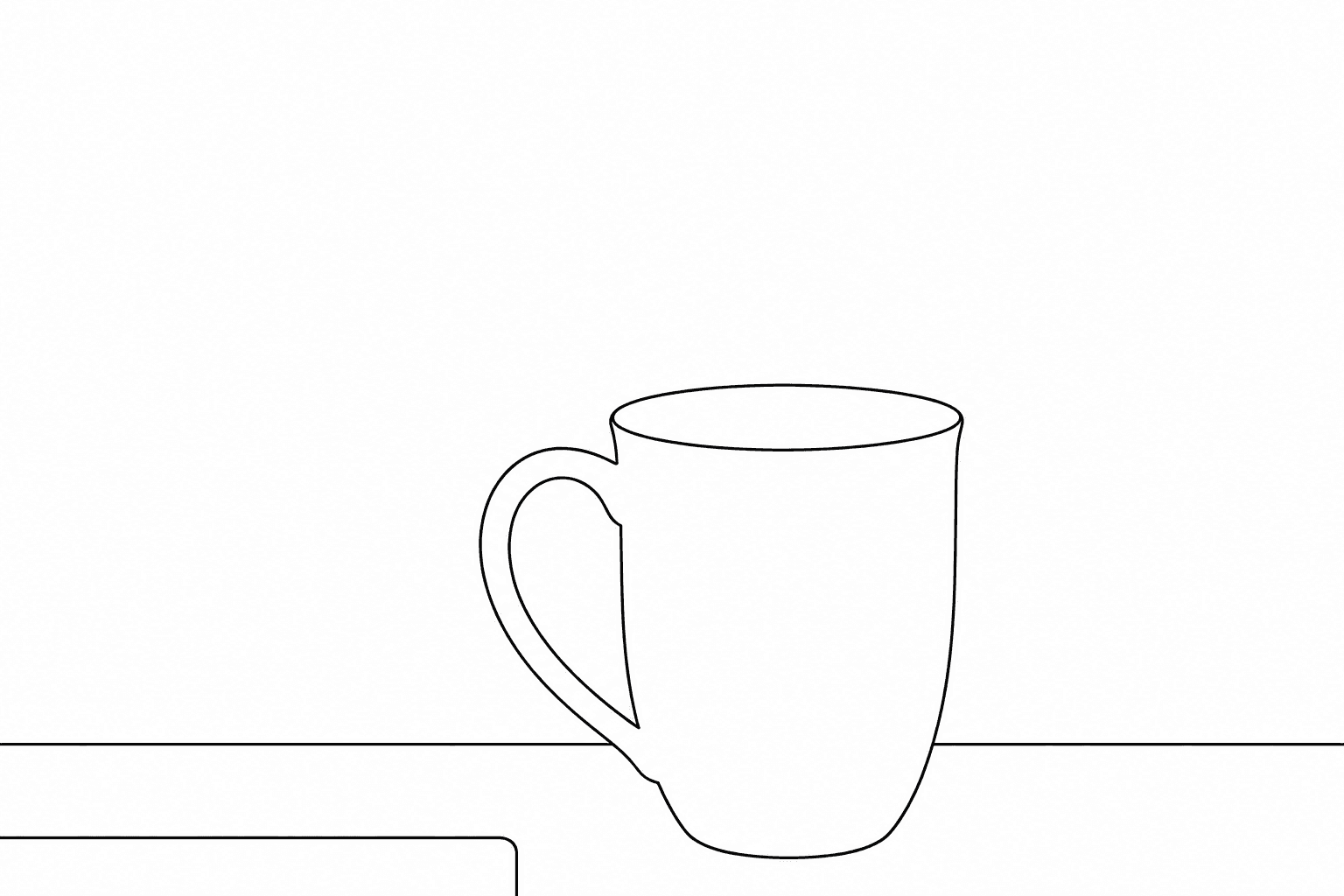
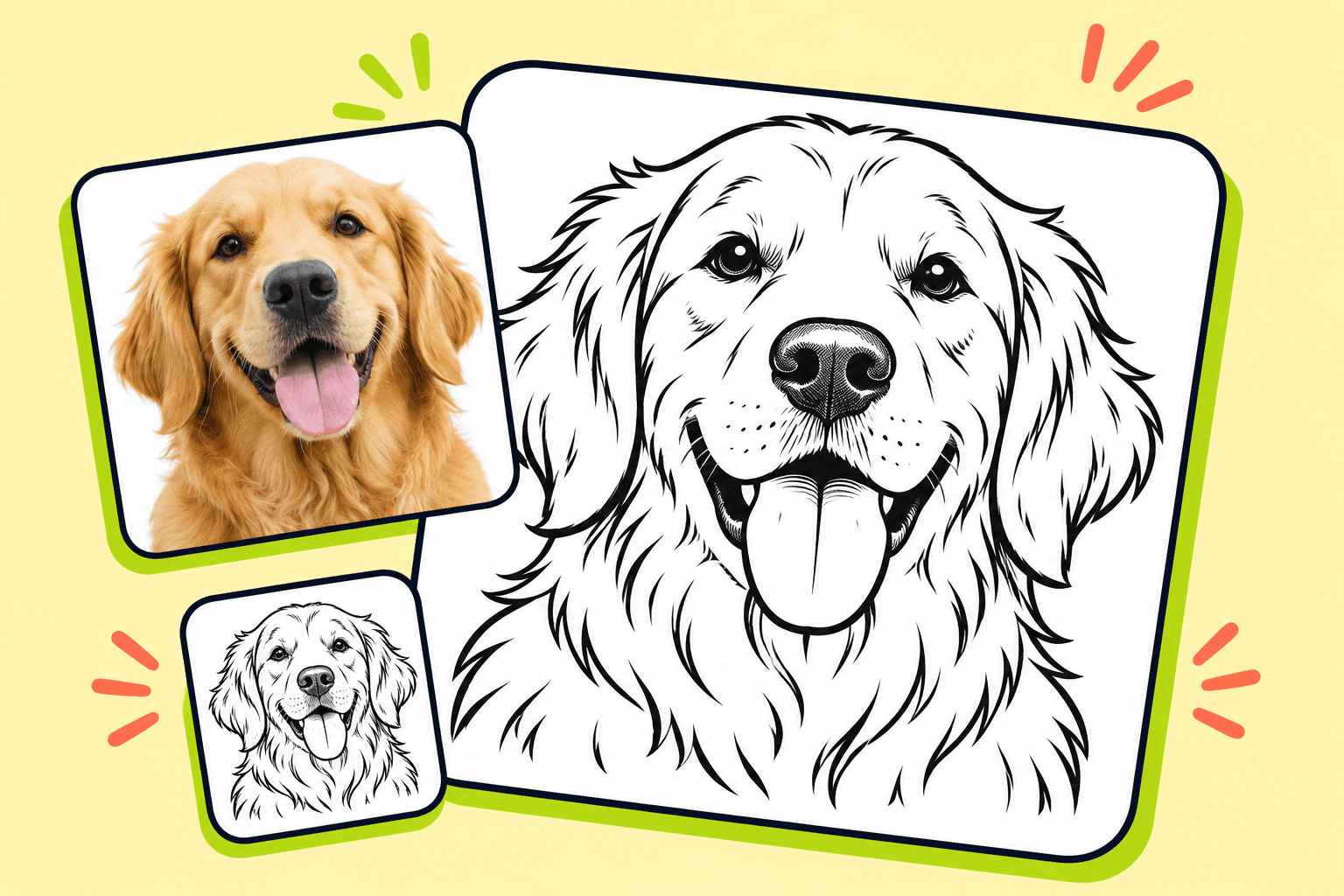
Technical outline + high contrast + thin: perfect for product design mockups and technical specifications.
Smooth edges + standard + medium: ideal for converting photos to vector-ready outlines.
Detailed edges + detailed + thin: preserve structural details for architectural renderings.
Outline produces uniform-width boundary lines, ideal for technical drawings. Sketch creates artistic line drawings with varied weight. Use outline for precision work.
Regenerate with different line width settings. Downloaded outlines can be edited in vector software like Adobe Illustrator or Figma.
JPEG, PNG, and WebP images up to 10MB. High-contrast images with clear subject boundaries produce the best outline results.
Download the outline image and import into your design tool. Use as tracing reference, convert to vector paths, or overlay on mockups.
AI edge detection works best on clear, high-contrast subjects. Complex backgrounds or low-contrast edges may need manual cleanup in editing software.
AI outline quality depends on image clarity. Review edge accuracy before use in production work.