Upload your image
Choose a photo with clear subjects and good lighting. The AI will extract the main shapes and convert them to line art.
Image to sketch tool
Transform photos into clean line drawings. Upload an image and choose the style, detail level, and line weight to create sketch art, outlines, or stencils.
Next: review your prompt in the Playground, sign in if needed, and check free uses or credit cost before generating.
Choose a photo with clear subjects and good lighting. The AI will extract the main shapes and convert them to line art.
Pick sketch, outline, or line art style. Adjust detail level and line weight to match your needs.
Review the settings in the Playground, generate your line drawing, and download the result.
Use photos with good lighting and clear subjects. High-contrast images work best. Avoid blurry or low-resolution photos.
Choose sketch style for artistic drawings, outline for design work, or stencil for cutting templates. Line weight affects printability.
Download the result as an image file. You can use it for tracing, design references, coloring pages, or further editing in graphic software.
A photo converted with OutlineDraw. Results vary with your image and settings.
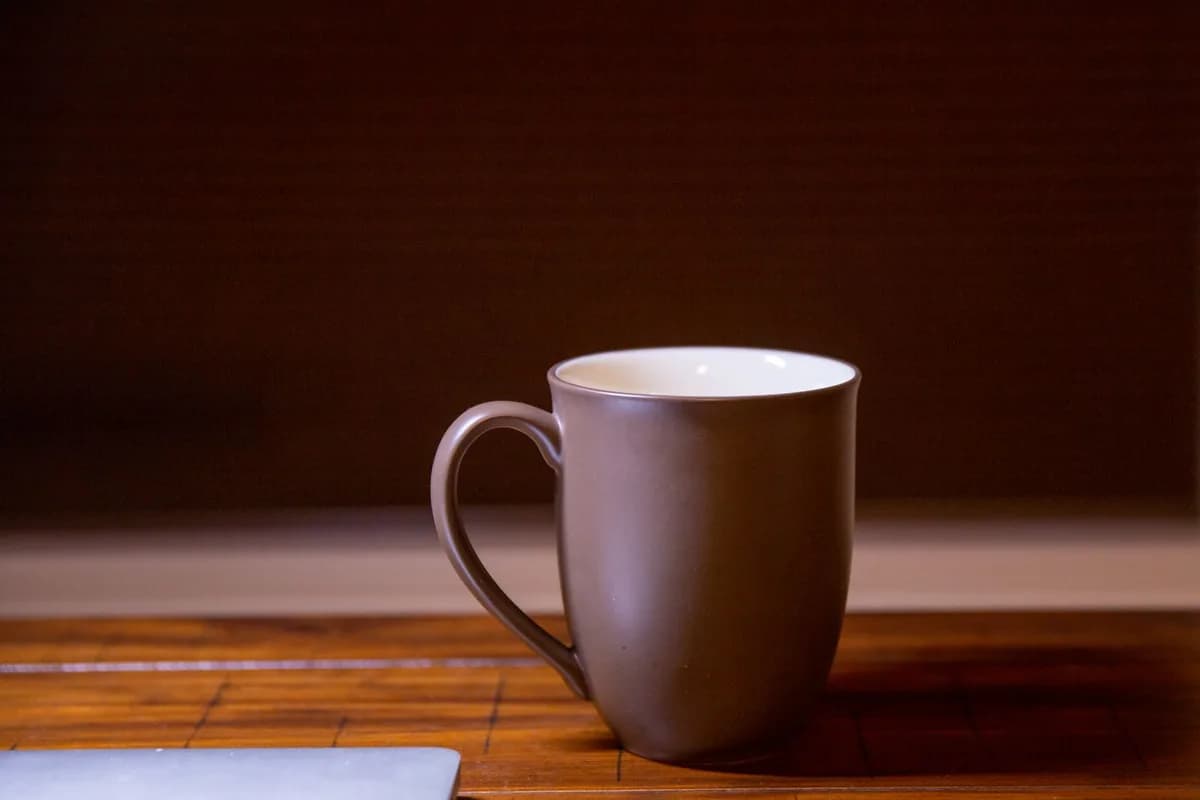
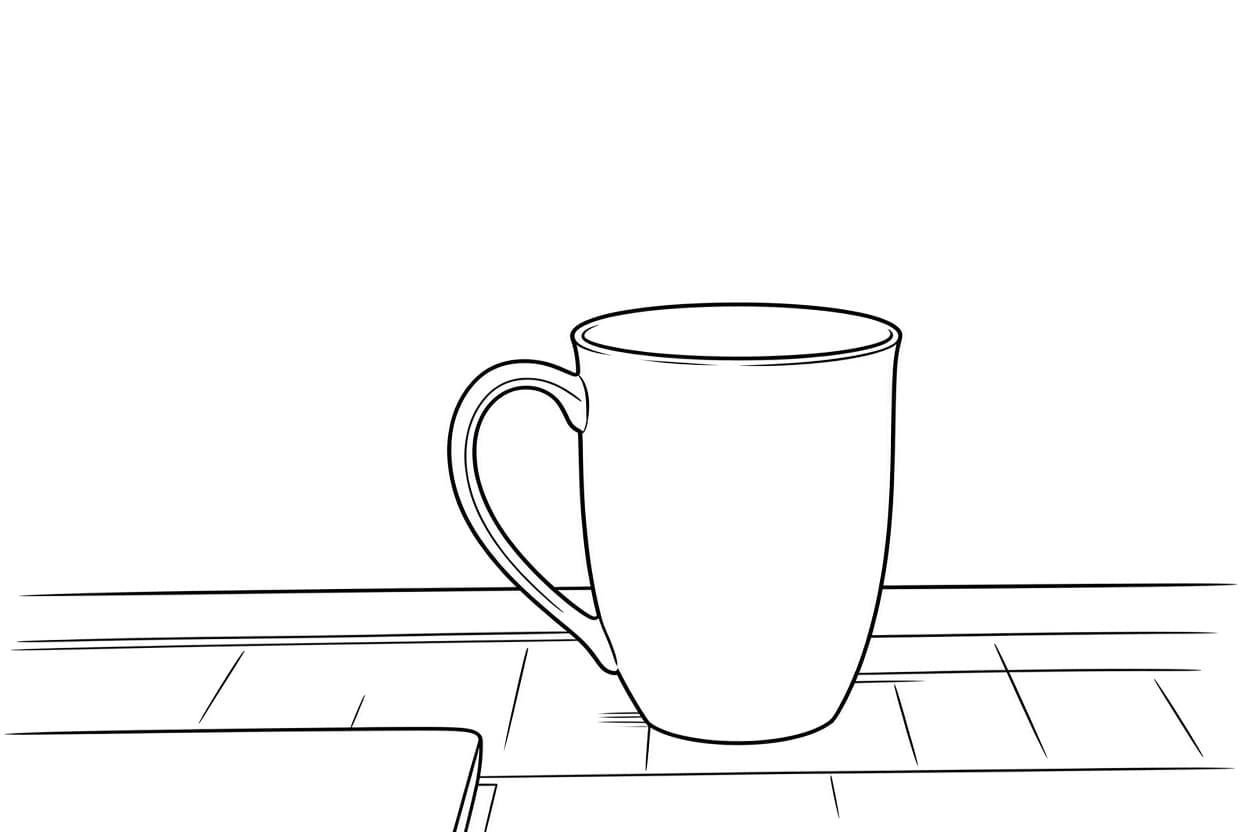
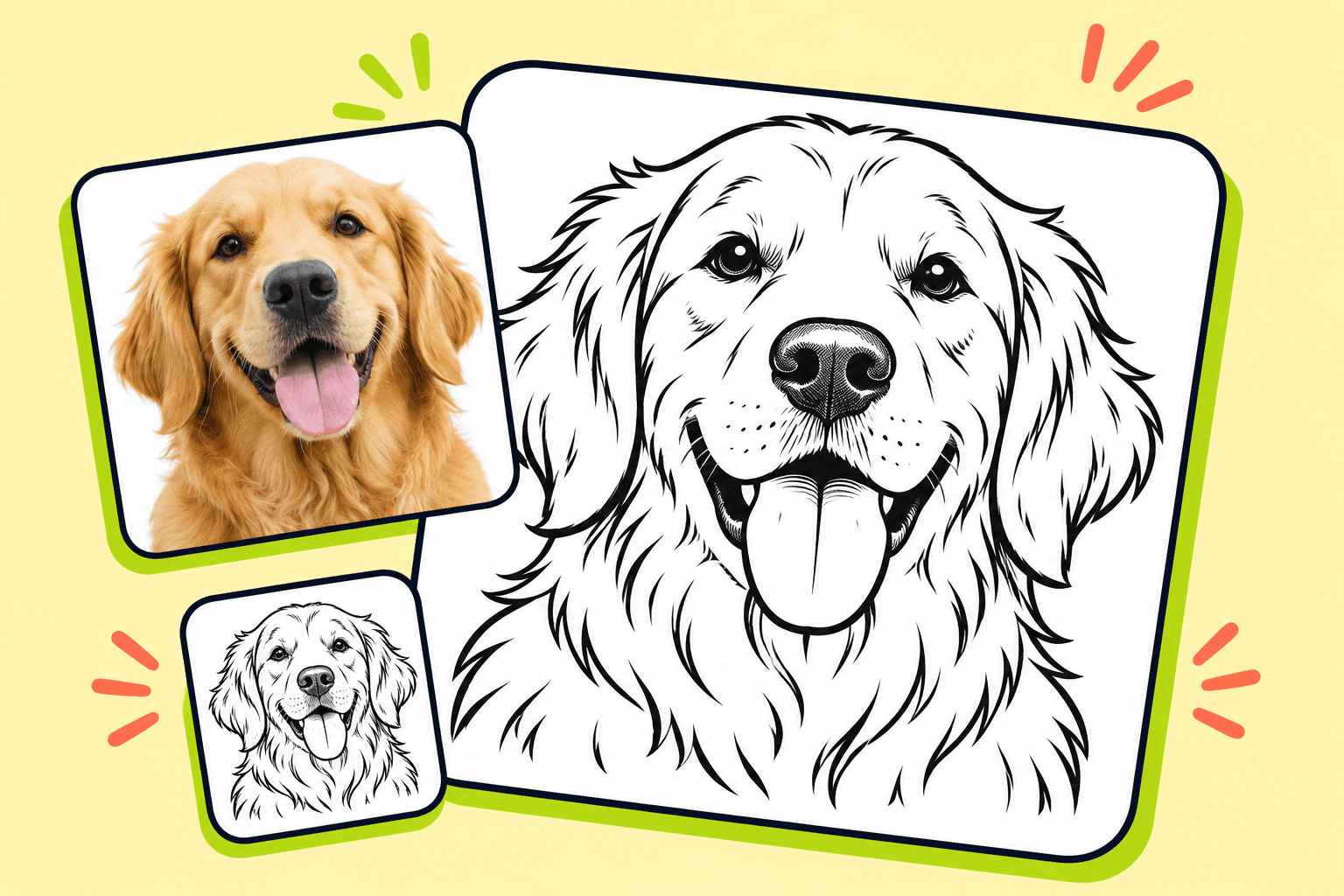
Clean sketch + balanced detail + medium weight: perfect for portrait drawings with natural line flow.
Bold outline + minimal + thick lines: create clean product outlines for technical drawings or mockups.
Fine line art + detailed + thin lines: preserve intricate details for artistic line drawings or tattoo designs.
Clear photos with good lighting and defined subjects work best. Portraits, products, and objects with clear edges produce the cleanest line art.
Yes, but results vary based on photo quality. Complex backgrounds or low-contrast images may not convert as cleanly as simple, well-lit subjects.
Setting up your conversion is free. Generation uses the free uses or credits available in your account; check the Playground before submitting.
Sketch creates artistic line drawings with varied line weights. Outline produces clean, uniform borders. Line art preserves more detail.
You can regenerate with different settings. Downloaded images can be edited in any image editor or vector software.
AI results vary based on input quality. Review the output before use.