Upload a clear photo
Choose a pet, a toy, flowers or a simple scene. A well-lit subject with a quiet background is easier to turn into open coloring spaces.
Photo to coloring page
Turn a favorite photo into a coloring page with bold black lines and a white background. Start with your free credits; each generation shows its credit cost before you submit.
Choose a pet, a toy, flowers or a simple scene. A well-lit subject with a quiet background is easier to turn into open coloring spaces.
The coloring preset starts with thick lines and simple shapes. Adjust detail and line weight, then generate and follow progress in My tasks.
Download the finished image from My tasks. Preview it on A4 or Letter paper, use fit-to-page and leave margins. Image export is available; PDF assembly and guaranteed 300 DPI are not.
Start with one large subject and minimal detail. Check for small enclosed areas and stray lines before giving the page to a child.
Keep a theme across several photos, such as pets, garden plants or a family trip. Generate and review each page separately, then arrange the downloaded images in your own document.
Use familiar objects for vocabulary or nature lessons. Select images you have permission to use, leave room for handwritten labels, and print a test page first.
Choose a scene and a style. The color originals were created with AI; every line drawing shown was generated through OutlineDraw. Results vary with your image and settings.
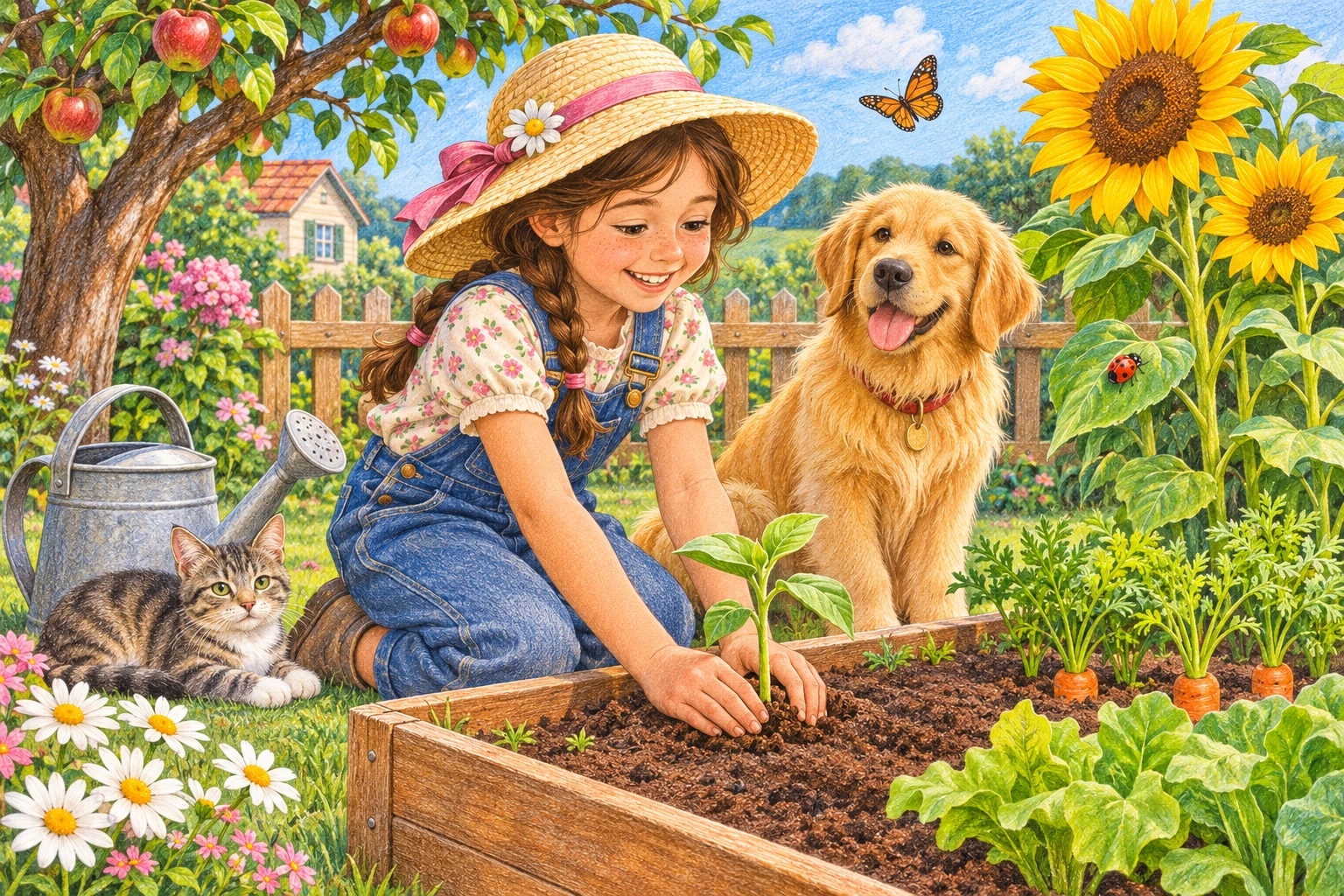
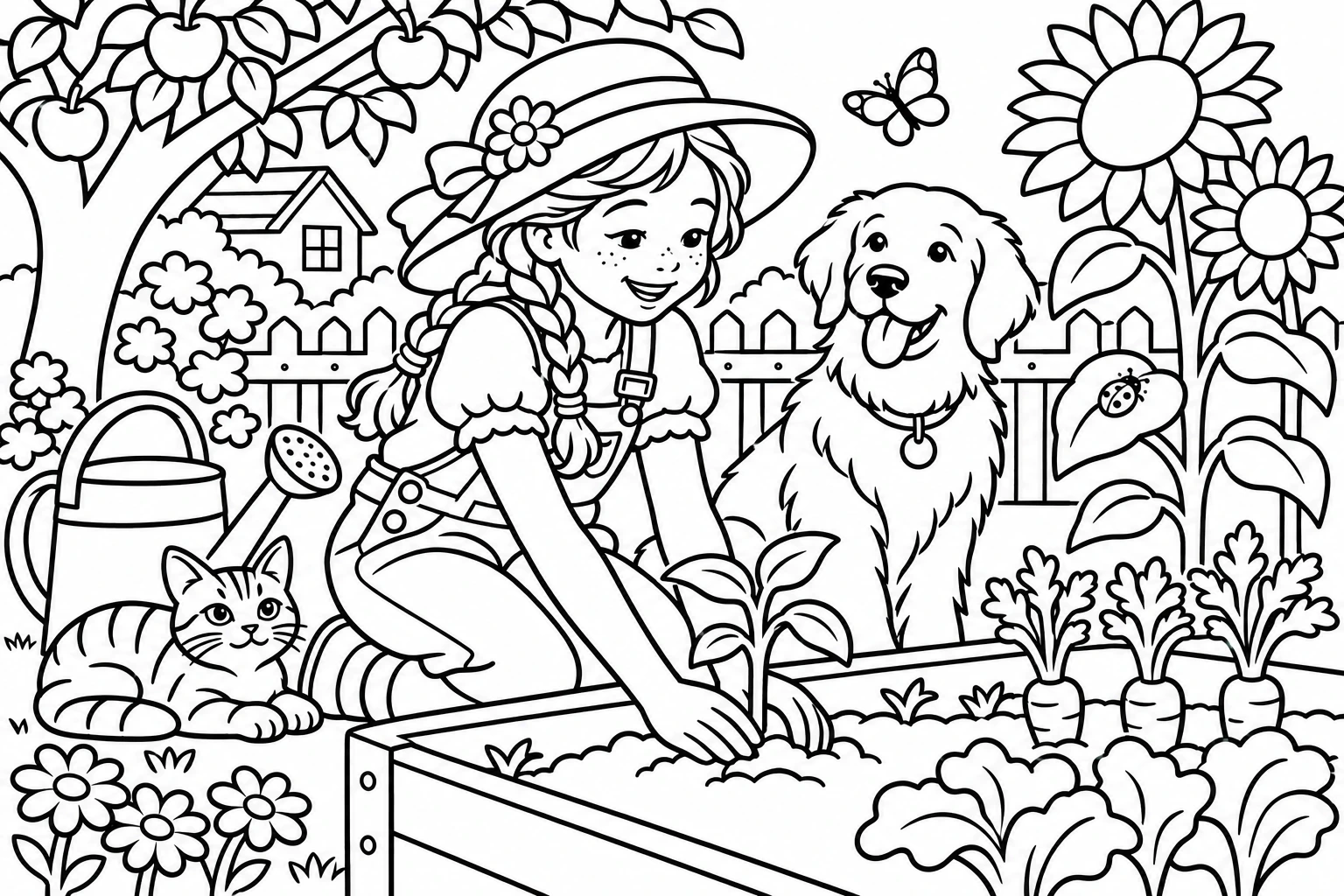
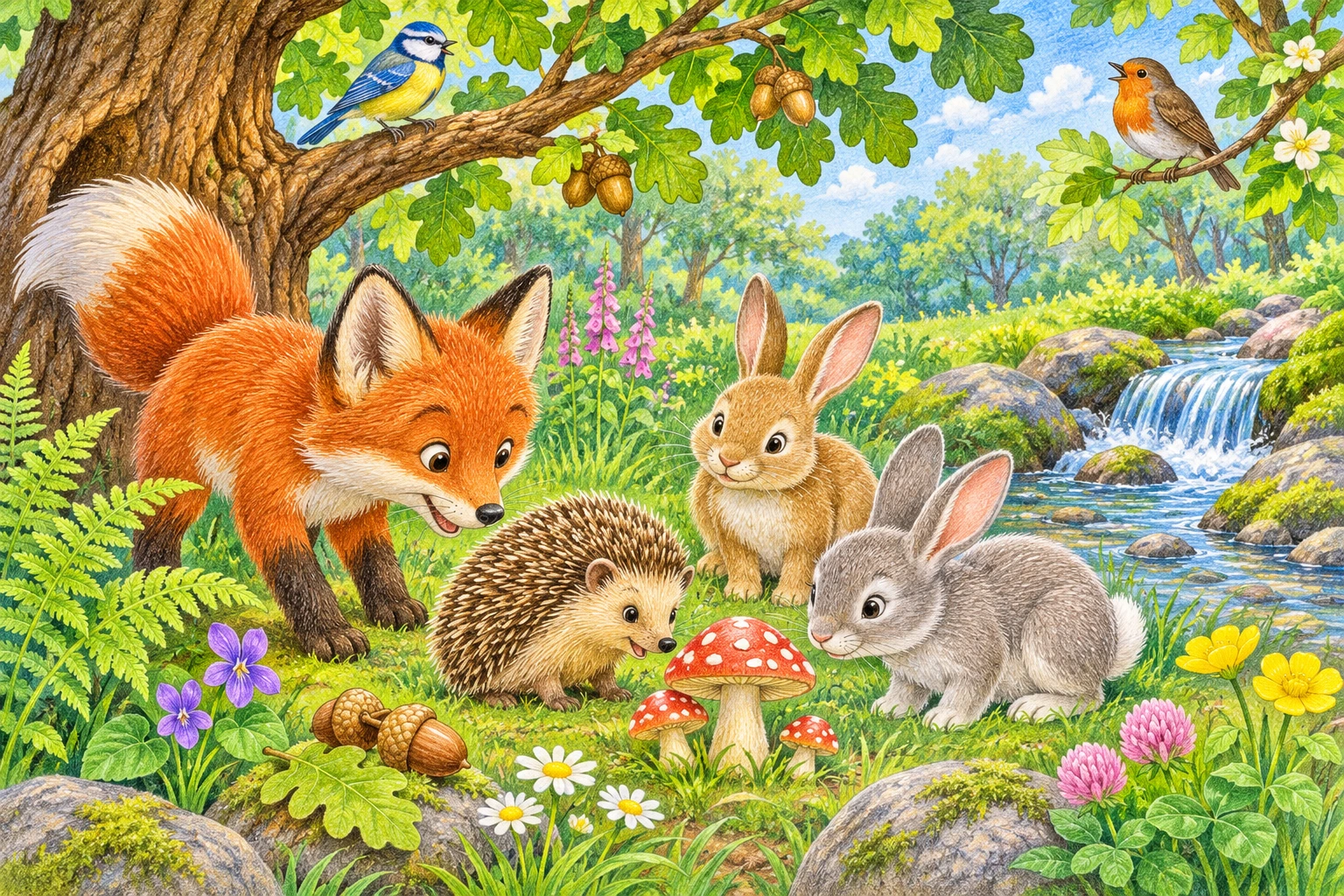
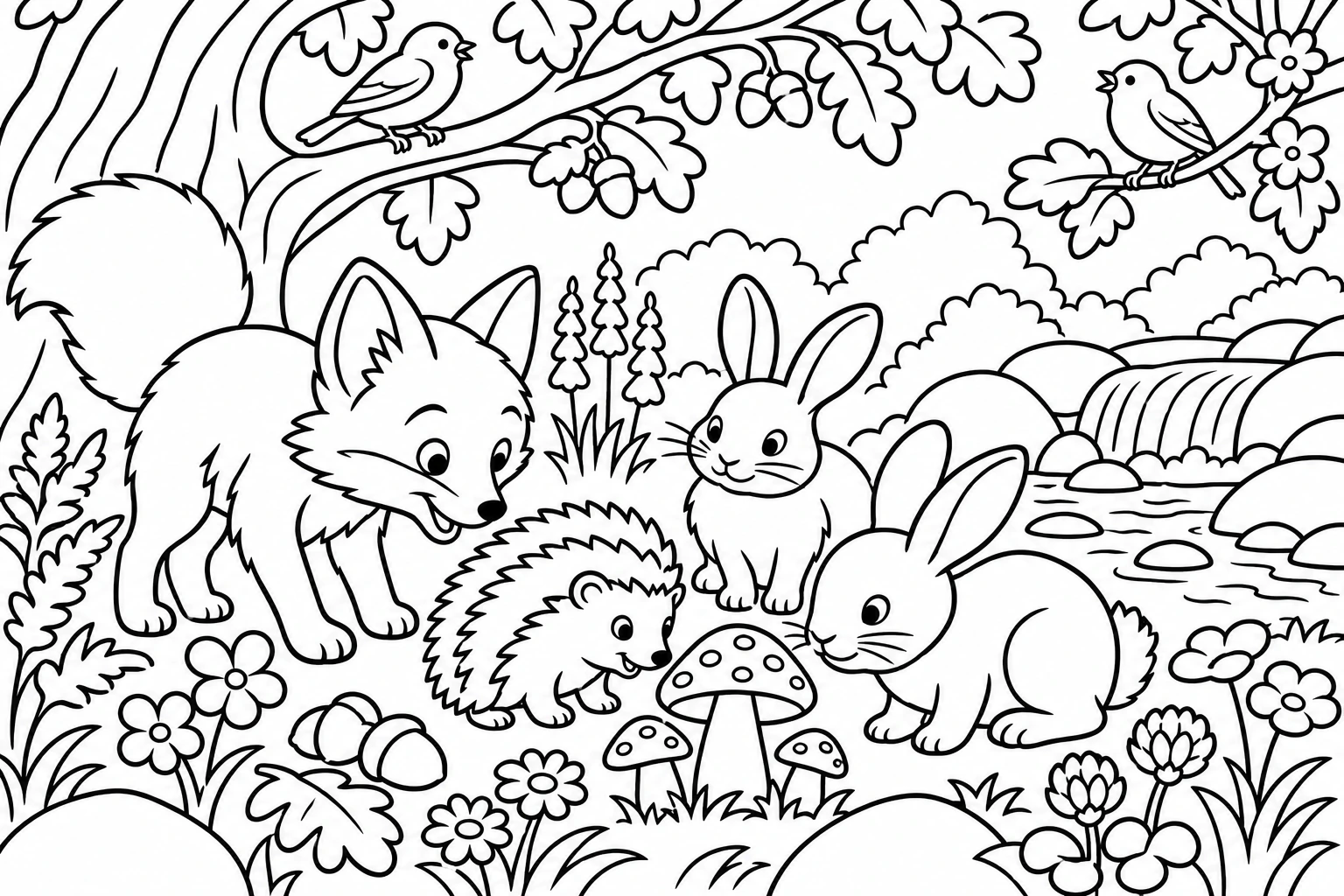
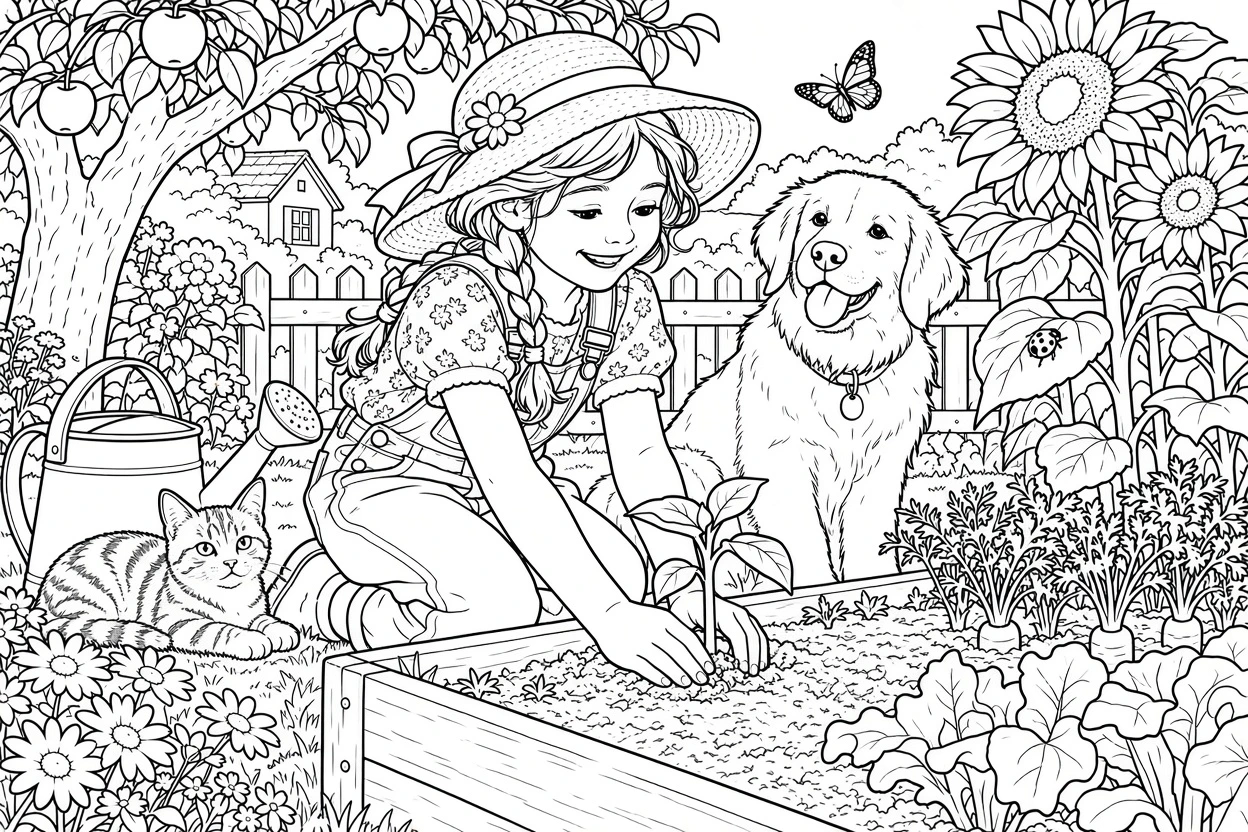
You receive 2 trial credits as a guest and 4 more on your first verified login. Generation spends the displayed credits; further use needs sufficient credits. It is not unlimited free generation.
Choose a theme, upload a photo for each page and keep the same line settings. Review every result, download the images, and assemble them in a document editor. When making coloring books, AI can change details; check each page before printing or sharing.
Download the image, then use your printer preview to fit it to A4 or Letter paper. You can assemble a PDF in another editor; this tool does not export a multi-page book or guarantee 300 DPI.
The photo guides the subject and composition, but AI may simplify or change details. Inspect faces, hands and small shapes before printing.
AI results vary based on input quality. Review the output before use.